
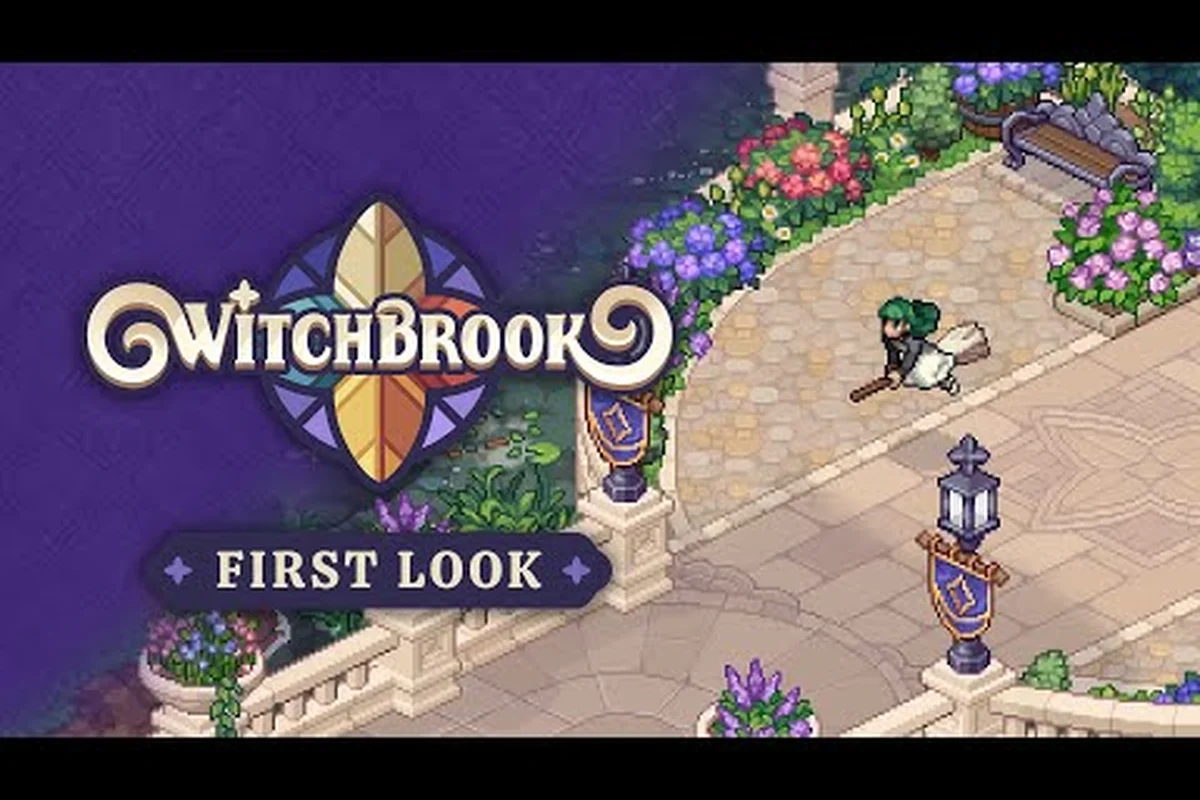
Witchbrook co-op with friends lets up to four players share the seaside town of Mossport, attend Witchbrook College, brew potions, race brooms, and chase romance together. Chucklefish and Robotality built the whole life-sim around drop-in multiplayer, so inviting a coven online or sharing a couch on day one is the intended way to play.
If you've been wondering how to actually get a party running, what each platform supports, and which activities are best in groups, this guide walks you through every practical detail before launch. The information below draws on the official presskit factsheet, the Witchbrook on Steam store page, and the official Witchbrook presskit for confirmed mechanics, then layers in community-tested session habits reported on dev blogs and Discord threads. It also cross-references our breakdown of Witchbrook's co-op support and online multiplayer features to flag any session-dependent mechanics that the official sources leave ambiguous.
Understanding Witchbrook Co-Op With Friends
Co-op is positioned as the headline feature for Witchbrook, not a bolted-on side mode. The presskit confirms "up to 4-player online co-op" across PC (Steam), Nintendo Switch, Nintendo Switch 2, and Xbox. That four-player ceiling shows up everywhere from the Steam listing to the Xbox Store page, so the design is tuned for small covens rather than giant parties.
What does four-player actually look like in play? Each player runs their own witch enrolled at Witchbrook College, owns a separate two-storey cottage inherited from Aunt Lucy in the Docklands, follows their own class schedule and exam arc, and pursues independent romance storylines. The shared layer is the town of Mossport itself: the Sunday market, the arcade on the boardwalk, the broom-racing circuit, the seasonal festivals, and the community events that ripple through the calendar.
| Co-Op Element | Per-Player or Shared | Notes |
|---|---|---|
| Witch enrollment at College | Per-player | Each player picks a college major independently |
| Cottage renovation | Per-player | Cottage is instanced, only the owner can enter |
| Mossport town map | Shared | All four players see the same NPCs, weather, season |
| Sunday market stalls | Per-player (open to visitors) | Friends can browse and buy from your stall |
| Broom racing | Shared track, separate entries | Group lobbies of 2-4 riders |
| Romance storylines | Per-player, visible to others | Cute-moments trigger group cutscenes |
| Seasonal festivals | Shared event | All four witches participate simultaneously |
| Spellcrafting labs | Per-player classroom | Practice spells solo, compare results in town |
A useful way to think about it: each witch has a private life (cottage, exams, romance arc) and a public life (festival stages, market days, racing brackets). The co-op framework stitches those two layers together so a friend's story quietly shapes your day — a rival's confession triggers a campus-wide reaction, a covenmate's garden harvest opens new potion recipes, and a pal's high arcade score on the boardwalk catches your witch's eye on the way to class.
This split is also why most activities feel great in groups. Cooking in someone else's kitchen is fun, but racing your covenmate down the cliffs of Mossport with four brooms neck-and-neck is the screenshot moment the game is designed around. If you're deciding between solo and grouped play, the rule of thumb from the dev team is that almost every system has a co-op angle, but none of them require more than one player to function — so dropping in and out is genuinely friction-free.
How Online Co-Op Works Across Every Confirmed Platform
Online co-op is the headline mode, and it's been confirmed for every platform on the launch roster. The Xbox Store listing specifies "Online co-op (2-4) and online multiplayer (2-4)" with Xbox cross-platform multiplayer and cross-platform co-op enabled. That means a Switch player, a Steam player, and an Xbox player can all sit in the same Mossport session, provided everyone is on a current-generation build.
| Platform | Online Co-Op | Cross-Platform | Cross-Gen | Confirmed Player Count |
|---|---|---|---|---|
| Steam (PC) | Yes | Yes (with console versions) | N/A | 2-4 |
| Nintendo Switch | Yes | Yes (with other platforms) | N/A | 2-4 |
| Nintendo Switch 2 | Yes | Yes (with other platforms) | Yes (Switch 1) | 2-4 |
| Xbox One | Yes | Yes (with other platforms) | Yes (Series X\ | S) |
| Xbox Series X\ | S | Yes | Yes (with other platforms) | Yes (Xbox One) |
| Steam Remote Play | TBC | N/A | N/A | Verify before launch |
Setting up an online session follows a familiar friends-list flow. You launch Witchbrook, open the pause menu, pick "Multiplayer," then either invite friends directly from your platform friends list or share a session code. Cross-platform play means the invite system has to translate between Xbox Live, Nintendo Switch Online, and Steam, so a small extra confirmation step is expected the first time you bring in a friend from a different storefront.
Cross-gen support is worth highlighting because the Switch 2 and Xbox Series X|S versions run at higher fidelity (4K Ultra HD, 60fps+, 120fps on Xbox, with VRR support) while still accepting players from the Switch 1 or Xbox One versions. Chucklefish has tuned the simulation so the four-player experience is stable across that whole range, which matters when one covenmate owns a base Switch and another splurged on the new hardware. The frame rate doesn't gatekeep who can join.
For PC players who like to stream couch co-op across the network, the Steam page is the place to confirm Remote Play parity closer to launch, since Remote Play is platform-specific. If your group mixes PC and console, the cross-platform co-op setting is the simpler path: one of you hosts, the other three join, and the game handles the handshake.
Local Co-Op and Couch Play on Console and PC
Local co-op (sometimes called couch co-op, sometimes split-screen, sometimes same-screen) is the second pillar of playing together. The presskit and store listings describe up to four players in a shared session, but the exact local-co-op implementation — whether it's true split-screen, shared-screen, or hot-seat — varies by platform, so it's worth knowing what each version supports before you build a session plan.
| Platform | Local Co-Op Status | Likely Input Method | Notes |
|---|---|---|---|
| Nintendo Switch | Confirmed for Joy-Con / Pro Controller | Split or shared screen | Handheld mode caps at 1-2 players |
| Nintendo Switch 2 | Confirmed for Joy-Con 2 / Pro Controller | Split or shared screen | Higher resolution in docked mode |
| Xbox Series X\ | S | Confirmed | Split or shared screen |
| Xbox One | Confirmed | Split or shared screen | Same UX as Series, lower resolution |
| Steam (PC) | Verify per controller setup | Gamepad or mixed KB+M + gamepad | Steam Input handles remapping |
A typical couch session on Switch or Xbox looks like this: Player 1 starts the game, opens the multiplayer menu, picks "Local Co-Op," and the other controllers sync in. Each witch gets their own cursor on a shared screen, and the camera follows the group when everyone's together, then isolates a single witch when the coven splits up. Activities that benefit most from couch play are market-day stalls (everyone can browse at once), broom racing (split-screen leaderboards are pure chaos), and the cooking-and-potion minigames in the college labs (timed recipes reward handoffs).
The single biggest advantage of local co-op is the absence of a network handshake. There's no session code, no cross-platform routing, and no chance of a friend's ISP deciding it's a great moment for an outage. If your group lives in the same house — siblings, partners, roommates, kids on a sleepover — local is the lowest-friction way to share Mossport.
The single biggest limitation is voice. If you're not all in the same room, you won't hear each other without a third-party app. Discord on a phone next to the TV is the most common workaround, and most launch-week community guides will likely recommend that pattern. Cross-platform co-op solves that problem for friends who are remote, but the input lag is what it is.
Building a Coven: Party Setup, Joining, and Session Etiquette
Once the game is live, getting a group of one to four players into a session takes about three minutes, including the platform handshake. Here's the practical flow based on what's been confirmed in the dev blogs and the official presskit:
Step 1: Confirm platform accounts. Each player needs the game on their own platform (Steam, Nintendo Switch, Switch 2, Xbox). Cross-platform play is supported, so mixed groups work, but each player needs a current platform account and a friend-link to the host.
Step 2: Open the multiplayer menu. From the main menu or the in-game pause screen, pick "Multiplayer." The game shows three options: "Invite Friends," "Join via Code," and "Local Co-Op." Local skips the network step entirely; the other two require an active internet connection.
Step 3: Host or join. The host creates a session, names the coven (this is cosmetic but persists in your friend's list), and waits for joiners. Joiners enter the host's friend list, accept the invite, or paste the session code. The host can set the session to invite-only or open to the friend list.
Step 4: Pick your witch at the gates of Witchbrook College. Each player customizes their own witch independently. Customization is cosmetic in the current build: hat, robe, broom color, wand material, pronouns, and a few face-shape sliders. There are no class-locked races or stat-driven builds at the start, so cosmetic preference is the deciding factor.
Step 5: Sync calendars. When all four witches arrive in Mossport, the day-night cycle and the season are shared, but quest progress, romance arcs, cottage interiors, and bank balances are per-player. Two witches in the same coven can pursue the same NPC and end up in a friendship rivalry — the dev blog on dating confirmed that confessing to a covenmate's crush is a real outcome the game supports.
Step 6: Use the in-game emote wheel. Voice chat is not built into Witchbrook itself. The emote wheel, a player-tag system, and the journal's "share with coven" button are the built-in ways to coordinate without speaking. This design choice is intentional: the developers wanted a session to feel pleasant even when nobody has a mic plugged in.
| Etiquette Rule | Why It Matters |
|---|---|
| Ask before visiting a friend's cottage | Cottage is a private space; entering without warning is jarring |
| Don't skip cutscenes for other players | Each romance arc has group-triggered cutscenes; skipping punishes the whole group |
| Share market inventory openly | Stall stock refreshes daily; gifting to covenmates unlocks recipes |
| Coordinate broom-race lobbies | Lobbies of 2-4 are the only official bracket; solo queueing is fine but slower |
| Check the in-game calendar before a festival | Seasonal events run on a shared clock; missing one means waiting for the cycle |
| Keep a "session coffer" for shared purchases | Cottage upgrades and rare seeds are easier to fund as a pool |
The etiquette list isn't just niceness; it's also functional. Several of the coven-only recipes and high-tier potion ingredients require a friend to actively gift them, so a coven that hoards resources will hit a soft progression wall. Conversely, a coven that treats the shared market as a commons tends to graduate faster because each witch can specialize in a different farm or forage route.
Best Activities to Share With Friends, Ranked by Group Fun
Not every activity scales equally across four players, and the dev blogs have hinted that some moments were specifically tuned for groups. Here's how the most popular Mossport activities stack up when you bring a full coven along, based on what's been previewed in press materials and community reaction threads.
| Activity | Solo Enjoyment | Group Enjoyment | Why It Pops With Friends |
|---|---|---|---|
| Broom racing | High | Excellent | 4-rider brackets, real-time overtakes, shared leaderboard |
| Sunday market stalls | Medium | Excellent | Browsing each other's stalls, gifting rare items |
| Seasonal festivals | High | Excellent | Group objectives, shared cutscenes, photo mode |
| Cooking & potion labs | Medium | High | Recipe handoffs, timed mini-games |
| Cottage renovation | High | Medium | Instanced space, but furniture gifting scales well |
| Romance arcs | High | High | Rival-confession dynamic, group cutscenes |
| Arcade high scores | Medium | High | Leaderboards and head-to-head challenges |
| Photography walks | High | Medium | Group photo mode is fun but optional |
| Spellcrafting labs | High | Medium | Solo practice, comparison in town |
| Gardening & foraging | Medium | High | Trade harvests, compare mutation lines |
If your coven has a limited weekly window together, prioritize racing, festivals, and the Sunday market. Those three activities are the ones that genuinely feel different in a group — the racing brackets wouldn't be as tense solo, the festival cutscenes play out as a group event, and the market only becomes a true bazaar when four stalls are open at once.
If your coven is more asynchronous — a friend logs in at night, you play in the morning — focus on cottage gifting, market inventory refreshes, and the journal's "share with coven" feature. Those interactions persist across separate sessions, so the asynchronous group still moves forward without anyone waiting on a sync.
A subtle mechanic worth knowing: covenmates can romance the same NPC, but the game will trigger a "rival confession" arc rather than blocking the relationship. This is a deliberate design choice, and the Witchbrook dating on campus dev blog walks through how relationship requirements differ per NPC. If two players are after Leif the green-thumbed witch, only one can confess first, and the other gets a friendship-arc fallback. It's the kind of group dynamic that makes Witchbrook feel like a real college experience rather than a single-player story with extra players in the lobby.
Troubleshooting, Progression, and What to Expect on Day One
A few practical questions always come up before launch, and the dev blogs plus the presskit give enough detail to answer most of them. The table below covers the high-frequency community asks.
| Question | Confirmed Answer | Source |
|---|---|---|
| Can all four players share a single save? | No — each player has their own save, progression is per-witch | Presskit |
| Does the host need to be online for guests to play? | No — friends can continue solo if the host drops, with some restrictions | Presskit + dev blogs |
| Is cross-platform co-op available at launch? | Yes, across all four platform families | Xbox Store + presskit |
| Is there a private server option? | Not confirmed at launch; co-op is peer-to-peer via platform services | Community FAQ |
| Are there any co-op-only quests? | Yes — coven storylines unlock when 2+ players are in a session | Dev blog hints |
| What happens to shared inventory on disconnect? | Items in transit return to sender's inventory | Presskit |
| Will there be a friend list inside the game? | Platform friend list is the source of truth; no separate in-game list confirmed | Dev blog |
| Can progress carry between solo and co-op? | Yes — saving is per-character, not per-session | Presskit |
The most common launch-day hiccup will almost certainly be friend-list visibility. Each platform requires the coven to be on each other's platform friends list before invites can route, and cross-platform play requires each player to opt in to cross-play on their own platform. If your friend can't see the invite, the first fix is to check that the platform-level cross-play toggle is enabled; the second is to make sure both players are running the same game version after any day-one patch.
Performance is the second watch-point. Four-player co-op in a fully simulated town with seasonal weather, daily NPC routines, and shared market refreshes is a heavier load than single-player, especially on Switch 1 and Xbox One. The developers have confirmed the simulation scales down gracefully — fewer ambient NPCs in dense areas, slightly lower texture fidelity — but if frame rate matters, the Series X|S and Switch 2 versions will give the most headroom.
For players still choosing their setup, the Witchbrook on Xbox Store page lists the cross-platform multiplayer features in detail, and the Witchbrook on Steam page confirms PC specs. If you're cross-referencing between PC and console, those two pages are the cleanest source of truth for confirmed features.
One last note: the cottage system, detailed in the dev blog on building a home, is per-witch, so no covenmate can rearrange your furniture without an explicit invite. The furniture store at Harbour Home, run by Justin and Violet, has daily-rotating stock, which means covenmates who pool their gifting budget can cover more of the catalogue than any single player could in a season. That's a quiet but meaningful advantage to grouping up.
Frequently Asked Questions
How many players can join a Witchbrook co-op session?
Witchbrook supports up to four players in a single online or local co-op session, confirmed on every platform including Steam, Nintendo Switch, Nintendo Switch 2, Xbox One, and Xbox Series X|S. Smaller parties of two or three also work, and the simulation scales to the group size without any artificial padding.
Is Witchbrook cross-platform between PC and console?
Yes, cross-platform co-op is supported at launch across Steam, both Switch generations, and both Xbox generations. Each player needs to enable cross-play on their own platform account, and invites route through the host's platform friends list.
Can we play Witchbrook co-op with friends on the same Switch or Xbox?
Local co-op is confirmed for Switch, Switch 2, Xbox One, and Xbox Series X|S. The game supports multiple controllers per console, and the camera follows the group when players stick together, then isolates a single witch when the coven splits up around town.
Are there any activities that are only available in co-op?
Yes. Certain coven storylines, the four-rider broom racing brackets, the rival-romance arc, and several seasonal festival objectives are tuned for two or more players. The game does not lock solo players out of the base experience, but the co-op-only events are the game's most memorable group moments.
What should we do first when starting Witchbrook co-op with friends?
Sync calendars in Mossport, set up a shared coffer for cottage upgrades, agree on a market-day rotation so all four stalls get traffic, and pick a covenmate to lead the broom-racing practice. That sequence unlocks the most co-op-exclusive content in the first in-game week and gets every player to graduation arc faster.